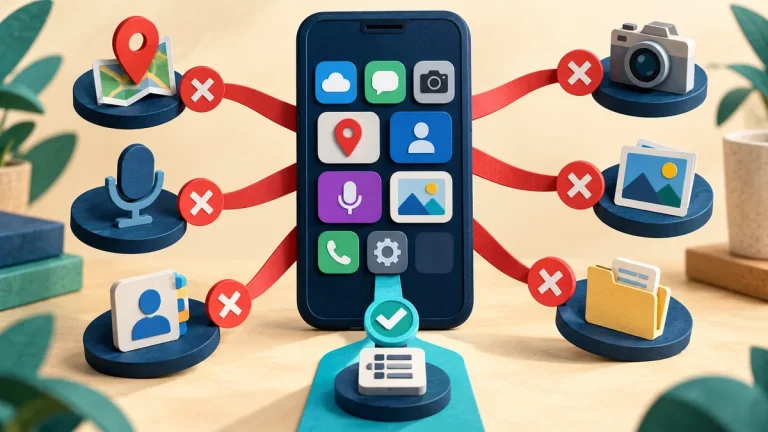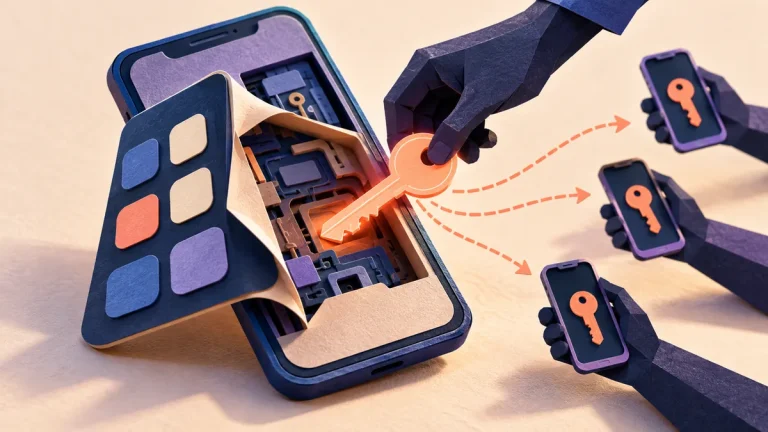
A personal phone used for work can mix private life with organizational information. The team needs a clear agreement about which work data may be present, how access is protected, and what happens when the device is lost or the person leaves.
Understand the idea
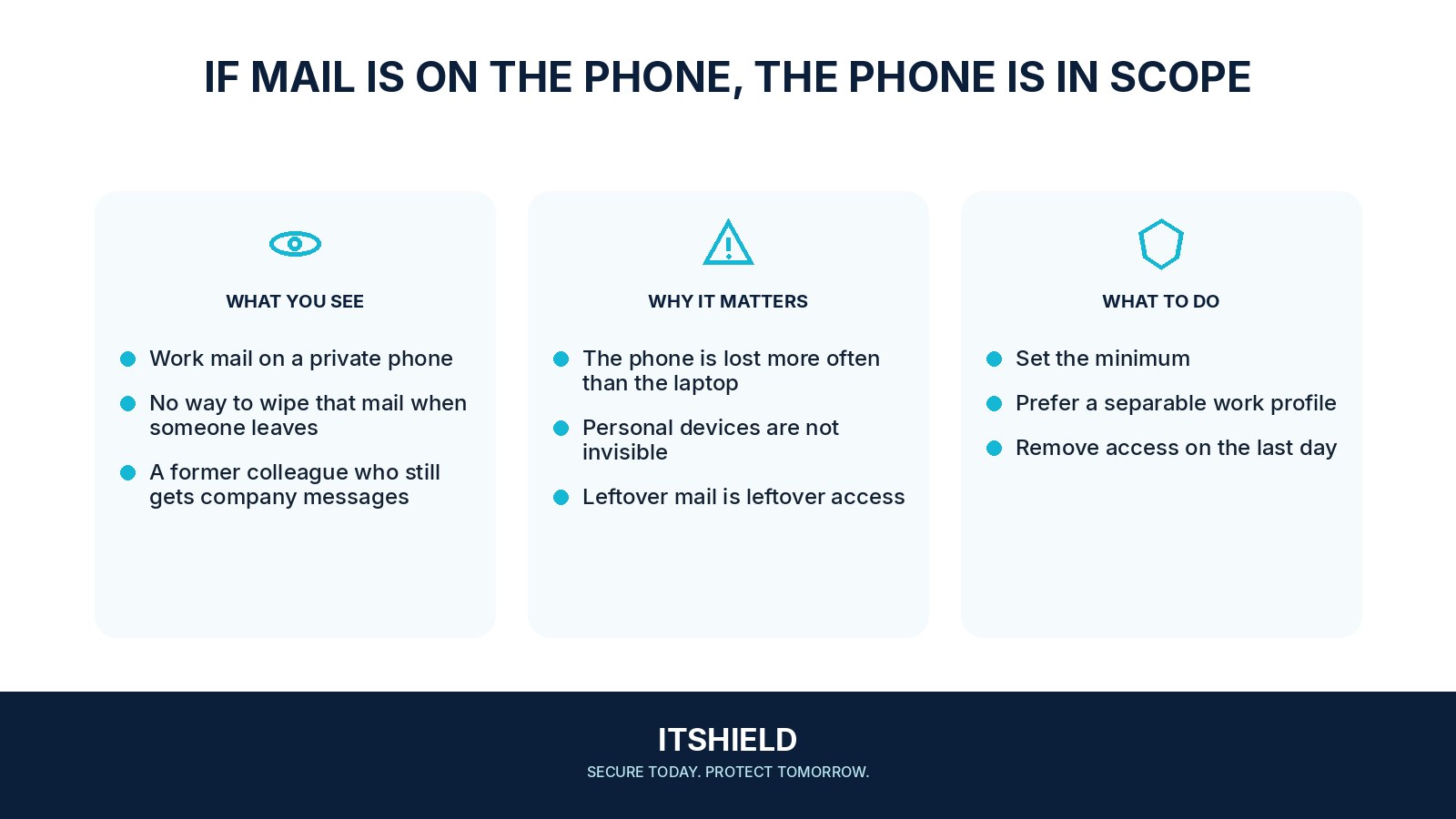
Choose a proportionate approach before collecting work information. Separate work accounts or managed work areas where supported, explain any management capabilities, and define the recovery and removal process. Staff should understand what the organization can see or erase, rather than discovering those powers during an incident.
- Boundary
Define the permitted work apps and information.
- Controls
Agree access, updates, backup, and support responsibilities.
- Lifecycle
Test loss, replacement, and departure handling.
A practical example
For example, a volunteer reads work email on their own phone. The NGO uses a separate work account with a clear sign-in requirement and a documented lost-device contact. The volunteer knows how work access will be removed without assuming the organization may inspect unrelated personal material.
What to do next
- Which applications and data may be used on personal devices?
- What supported software, screen-lock, encryption, and update requirements apply?
- Can work content be copied into personal cloud backups, messaging apps, or unmanaged storage?
- How are loss, replacement, shared family use, and offboarding handled?
- Who approves a remote removal action, and does it affect only work data or potentially the whole device?
How to check the result
Test the agreed lost-device and departure process on an approved sample setup. Check that the practical controls match the policy explained to the device owner.
Can work documents enter a personal cloud backup?
Check the actual app and device behavior. A written rule is not enough if documents or photos are automatically copied into an unmanaged personal account.
Sources and useful guides
The following resources provide background and more detailed guidance. Use the sections that match your service and situation.