
Home routers used for work
A home router connects work systems to personal devices and internet services. Review its support status, administration, Wi-Fi configuration, and any unnecessary remote access.


A home router connects work systems to personal devices and internet services. Review its support status, administration, Wi-Fi configuration, and any unnecessary remote access.

Volunteers need access that fits their actual work, including a clear owner and a defined review point. Shared accounts and indefinite permissions make changes harder to control.

A readable privacy notice starts with the real processing, not a template. Explain who handles information, why, with whom it is shared, how long it is kept, and how people can make requests.

Useful evidence includes the original record, its source, the collection method, and the limits of what it shows. Keep investigation copies separate from originals and control access to both.

Strong sign-in protection can be undermined by a weaker recovery process. Review every way to regain access, including support-assisted changes and replacement recovery details.

The order shown by two log systems may reflect clock settings, time zones, or ingestion delay rather than the true event sequence. Preserve those distinctions while building a timeline.
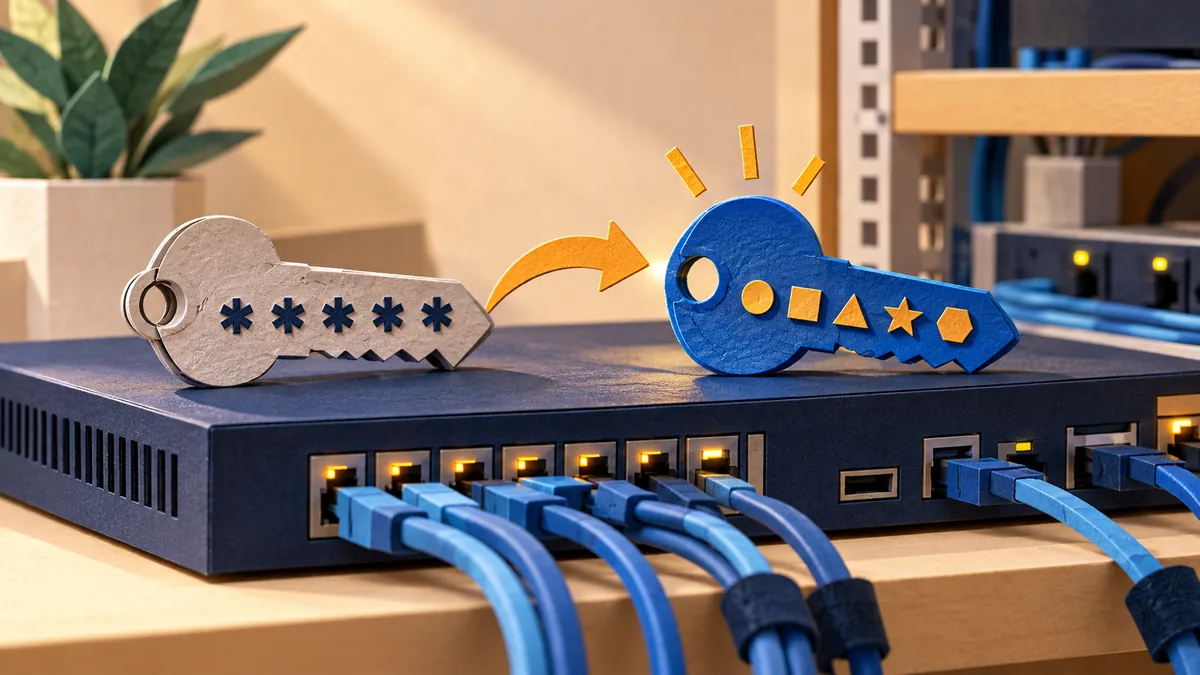
A device may have separate credentials for administration, monitoring, support, and cloud services. Review all of them before deciding that the factory access has been removed.

A staging site can contain production data and powerful integration credentials. Keep its access and outbound behavior deliberately separate from the live service.

Being able to inspect source code is valuable, but it does not prove that a component has been reviewed or is safe for your use. Assess the actual dependency and its operating context.

A report from an unfamiliar person may identify a real issue. Provide a controlled route to receive it, assess the evidence, and decide the next step without encouraging unnecessary testing.