
Showing 25–36 of 39 articles
Page 3 of 4
How to tell a fake shop from a real one before you pay
A polished storefront and a secure connection do not prove that a seller will deliver. Look for a verifiable business, credible contact details, and payment options with understandable protections.
Read the visual guide
How to check a job offer before you pay or send documents
A convincing recruitment message can be a way to collect payments or identity documents. Confirm the vacancy and recruiter through the employer’s independently found contact details.
Read the visual guide
When someone you met online asks you for money
A relationship built through messages can still involve a false identity. Requests for urgent transfers, investments, or secrecy deserve an independent pause and check.
Read the visual guide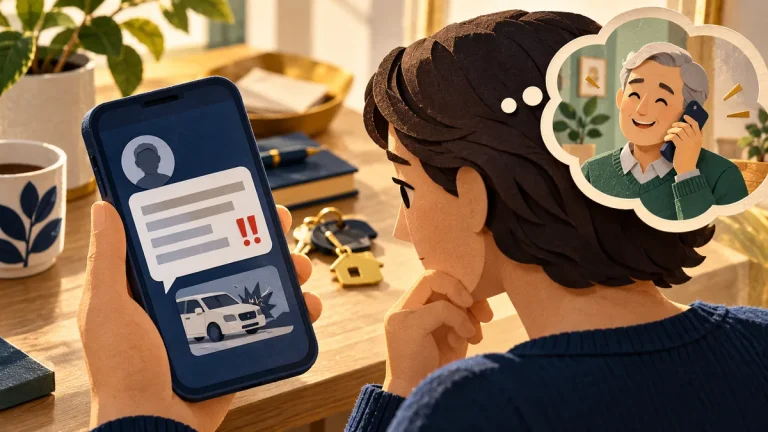
What to do when a message says a relative is in trouble
A frightening message can make verification feel like a delay. Contact the relative through a number or channel you already know before sending money or sharing an authentication code.
Read the visual guide
What to do when someone says your computer is infected
An alarming pop-up or unsolicited caller may claim your computer is infected. Do not grant remote access or make a payment on that person’s instructions.
Read the visual guide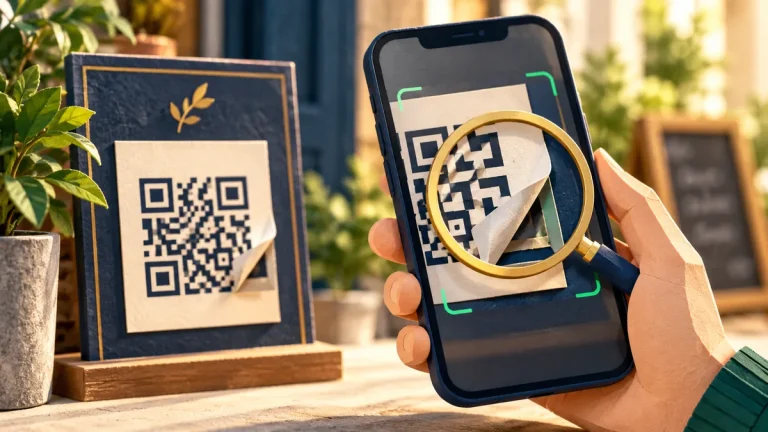
What to check before you scan a QR code
A QR code is a shortcut to information, often a website address. The important question is where it takes you and what that destination asks you to do.
Read the visual guide
How to use public Wi-Fi without guessing
A familiar-looking network name does not prove who runs it. Confirm the network with the venue, keep device sharing controlled, and use your usual secure services.
Read the visual guide
What the padlock in the address bar means
HTTPS helps protect the connection to the address you opened. It does not establish that the organization behind that address is honest or that a payment request is legitimate.
Read the visual guide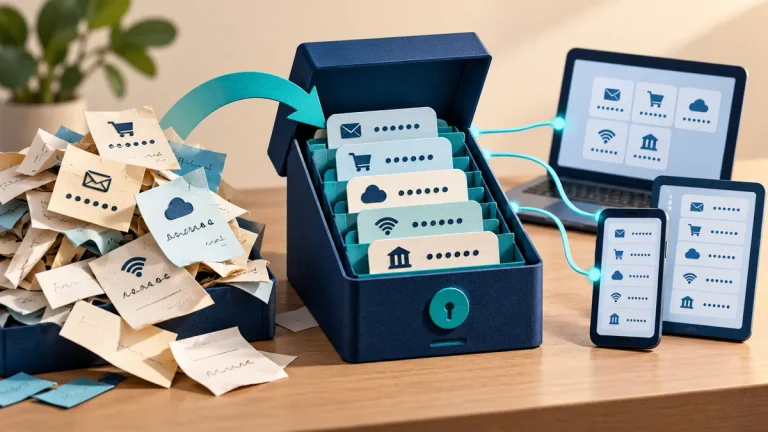
How to start using a password manager
A password manager helps you use a different strong password for each service. The first task is protecting the vault and making sure you can recover access to it.
Read the visual guide
What to do in the first hour after you click a bad link
What happened after the click matters. Simply opening a page, entering a password, approving a request, and running a file call for different responses.
Read the visual guide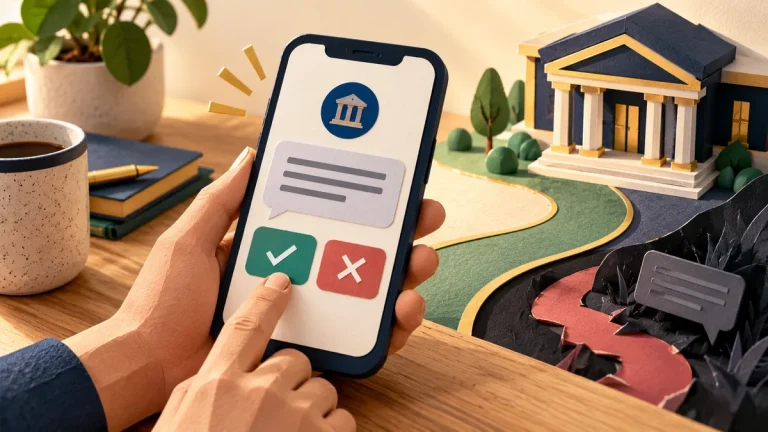
What to do when a text says it is from your bank
A message that looks like it came from your bank may be trying to lead you elsewhere. Open the bank’s usual app or use a number you already trust to check the claim.
Read the visual guide
Business email compromise: verify bank changes before paying
A convincing invoice can arrive from a real but compromised mailbox. Protect the payment decision with independent verification of changes to the beneficiary or account details.
Read the visual guide