
Clicking a suspicious link is worrying, but the next step depends on what happened after the click. Opening a page, entering a password, downloading a file, and allowing remote access are different events. Start by making a short, honest record so the response fits the situation.
Understand the idea
Close the suspicious interaction and use a trusted route to contact support or the affected provider. If you entered a password, change it through the real service and review account access. If a file ran or someone controlled the device, ask support for device-specific containment instructions before continuing normal work.
- Recall
Write down what you clicked and what happened next.
- Contain
Secure the account or device involved.
- Report
Use a trusted support route and preserve the message.
A practical example
Imagine a staff member entering their work password on a page reached from an email. They report it immediately rather than waiting for a visible problem. Support helps reset the password, ends unwanted sessions, checks recovery settings, and reviews what the account did during the exposure.
What to do next
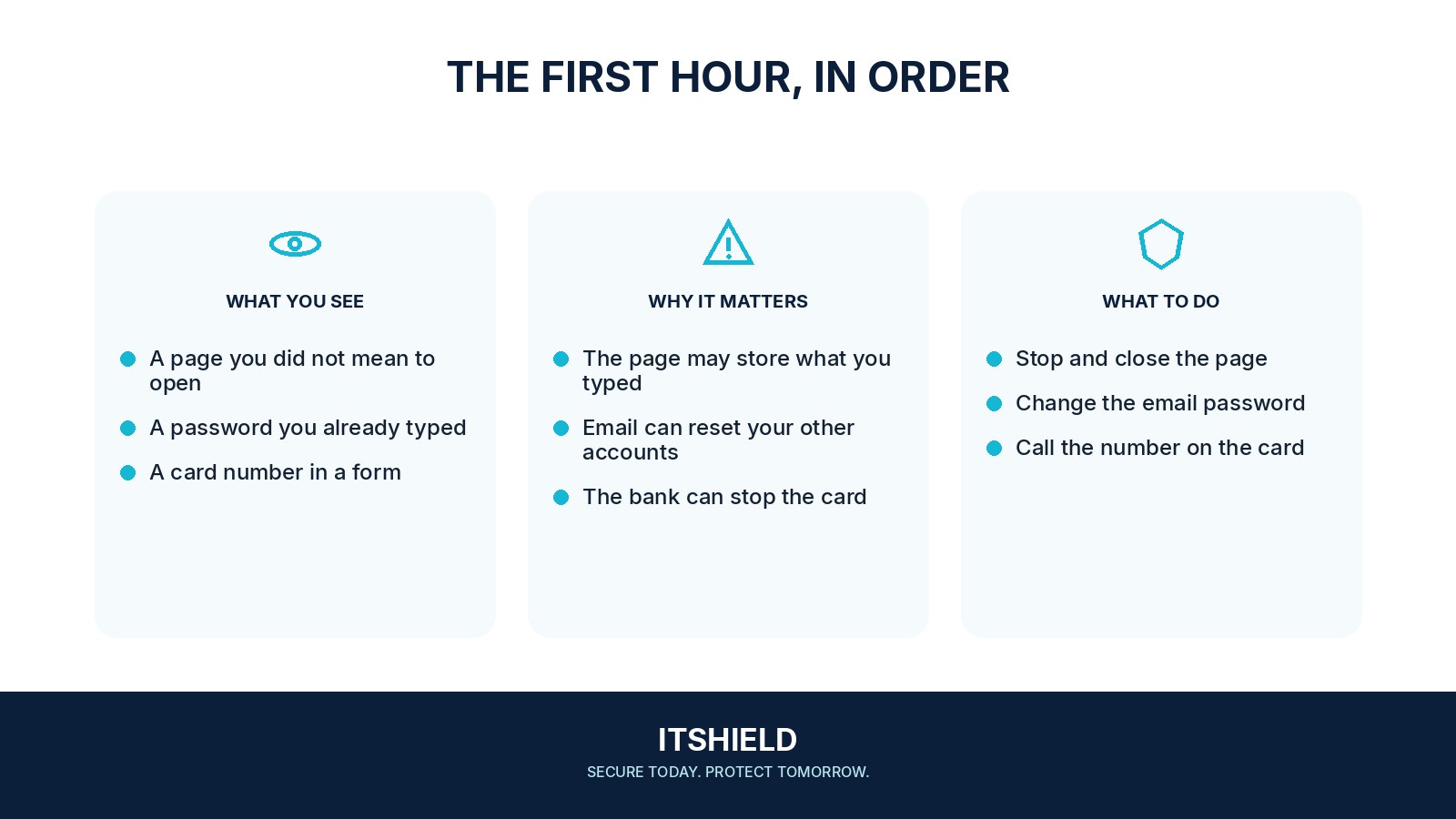
- Describe what happened. Record the time, page or message, account involved, and anything you entered, approved, downloaded, or ran.
- Secure the affected account. If a password or approval was exposed, use the real service or trusted support to review the password, sessions, recovery details, and connected apps.
- Get help for a changed device. If software ran or remote control was enabled, involve support and follow its containment instructions before returning to normal sensitive work.
- Contact the payment provider. If money, card details, or a payment code was involved, contact the bank or provider promptly through a verified route.
How to check the result
Tell support which account was involved, what you entered or approved, and whether anything downloaded or ran. A clear timeline is more useful than trying to hide an embarrassing click.
I entered a password but did not download anything.
Treat the password as exposed. Use a known, clean route to change it, review sessions and recovery settings, and tell your support team if it was a work account.
Sources and useful guides
The following resources provide background and more detailed guidance. Use the sections that match your service and situation.