
The padlock in a browser tells you something about the connection to a website. It does not tell you that the business behind the page is honest. A fake shop or a copied sign-in page can use HTTPS too. Read the address and the request as well as the connection indicator.
Understand the idea
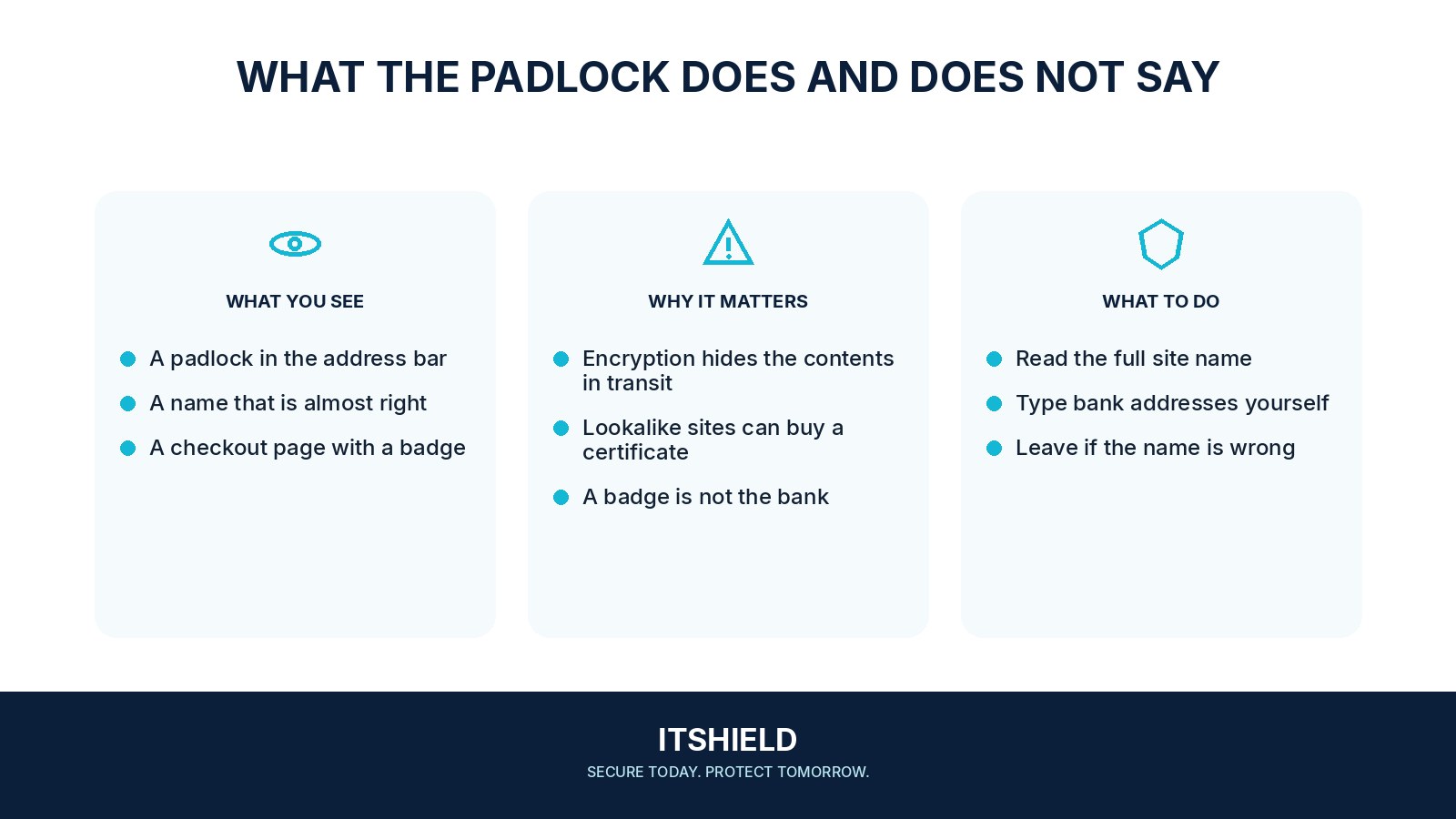
HTTPS encrypts traffic between your browser and the endpoint it connects to. The certificate helps the browser verify the domain involved. It does not check whether the seller will deliver a parcel or whether a payment request makes sense. Those are separate questions that require separate evidence.
- Connection
HTTPS protects data travelling to the selected site.
- Identity
Check the actual domain and why you are visiting it.
- Action
Verify sensitive requests before entering information.
A practical example
Imagine a message taking you to a page that looks like your bank. The padlock is present, but the address belongs to a different domain. You leave the page and open the bank through your normal app or saved address instead of entering your login details.
What to do next
- Read the website address, especially the actual registered domain, rather than only the logo or page title.
- For important accounts, open a saved bookmark or the official application instead of following a message's link.
- Assess the seller or organization separately: independent history, usable contact details, realistic terms, and a payment route with appropriate protections.
- Stop if the browser presents a certificate or connection warning. Do not bypass it to enter passwords or payment information; contact the real service independently.
How to check the result
For an important sign-in or payment, use a known route to the service. If the browser warns about a certificate problem, stop and contact the service through a verified channel.
The payment page has HTTPS. Can it still be a scam?
Yes. A deceptive site can use a valid certificate. Confirm the service and payment destination through an independent route rather than relying on the padlock.
Sources and useful guides
The following resources provide background and more detailed guidance. Use the sections that match your service and situation.