
Showing 13–24 of 39 articles
Page 2 of 4
How to use hotel and café Wi-Fi
Choose the network deliberately, inspect unexpected sign-in demands, and keep sharing settings appropriate for a public connection. Do not install unfamiliar software to satisfy a hotspot prompt.
Read the visual guide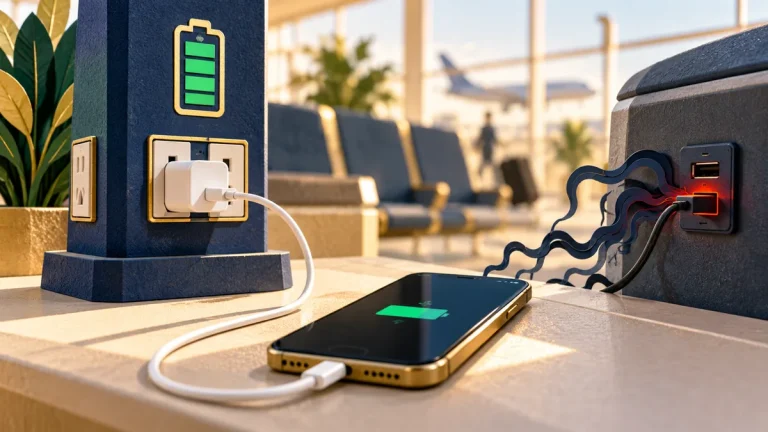
How to charge your phone in public
Using your own charger or a suitable power bank keeps the charging route under your control. Treat any prompt for data access as a separate decision from receiving power.
Read the visual guide
What to do with a USB stick you do not recognise
An unknown USB device is not just an unexplained set of files. Connecting it can expose a computer to unexpected hardware behavior as well as unsafe content.
Read the visual guide
How to install the real software update and ignore the fake one
An update prompt should lead back to the software’s established update mechanism or official publisher. A web advertisement claiming an urgent update is a different starting point.
Read the visual guide
Which phone permissions an app does not need
A permission grants a real capability, such as reading contacts or using the microphone. Ask whether that capability is necessary for the feature you want to use.
Read the visual guide
What to do when a familiar voice asks you for money
A familiar-sounding voice is not enough to confirm identity. When a call asks for money or secrecy, verify the situation through another known contact route.
Read the visual guide
What a public post tells someone you have never met
A harmless-looking photo can reveal a location, a repeated routine, or details about other people. Review the audience and the information surrounding the image before posting.
Read the visual guide
How to set up a child’s game account without handing over yours
A child’s game account should not depend on handing over a parent’s email, payment account, or password. Use the platform’s family features and age-appropriate controls.
Read the visual guide
Why a shared family password becomes a problem
A shared password makes it difficult to control access, recover accounts, and see who changed something. Prefer separate accounts and the service’s own sharing features.
Read the visual guide
How to keep a copy of your files you can actually restore
A synchronized folder is useful, but changes and deletions can synchronize too. Build a separate recovery copy and test that it contains the files and access information you need.
Read the visual guide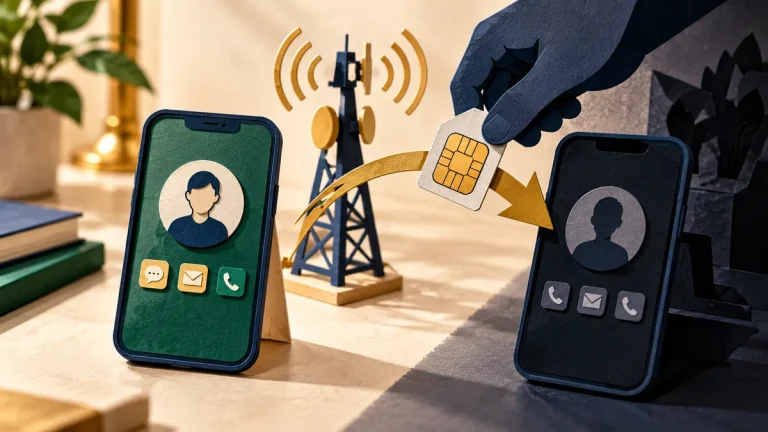
What a SIM swap is, and how to make one harder
If someone takes control of your mobile number, messages and calls intended for you may reach them. Protect the carrier account and review which services rely on that number for recovery.
Read the visual guide
How to give after a disaster without paying a copycat
An urgent appeal can impersonate a real charity. Find the organization independently and confirm the donation route before entering payment details.
Read the visual guide