
Showing 61–72 of 121 articles
Page 6 of 11
Who can send mail as the company
Your domain may appear in messages from staff, marketing tools, websites, and finance services. Record each sender and connect it to an owner and an intended authentication setup.
Read the visual guide
How a team of five can patch without stopping the work
A workable patch routine names an owner, prioritizes exposed and important systems, and checks the affected workflow after an update. Keep exceptions visible rather than indefinitely postponed.
Read the visual guide
Close a vendor’s access when the contract ends
A contract ending does not automatically remove a supplier’s technical access. Use an access register to close named accounts, integrations, remote agents, and shared secrets.
Read the visual guide
How a small team proves it can restore a backup
A backup job marked successful does not prove that people can resume work. Restore a representative sample into a safe environment and check the data, access, and dependencies.
Read the visual guide
What DMARC does for a small company’s email
DMARC connects your domain’s email authentication results to a published policy. A successful rollout starts with a complete list of legitimate senders and careful delivery checks.
Read the visual guide
How a small club loses money through a fake treasurer email
A volunteer group can lose money through a plausible payment request, especially during a change of treasurer. Keep account ownership, payment verification, and a second review explicit.
Read the visual guide
How to use a school portal without giving the login away
A school portal may hold sensitive family information. Use its established sign-in route, protect account recovery, and independently verify unexpected requests for fees or documents.
Read the visual guide
Who can open a cloud photo link you sent
A shared album may use named recipients, a public link, or inherited access. Check the sharing model and test what someone outside your account can actually see.
Read the visual guide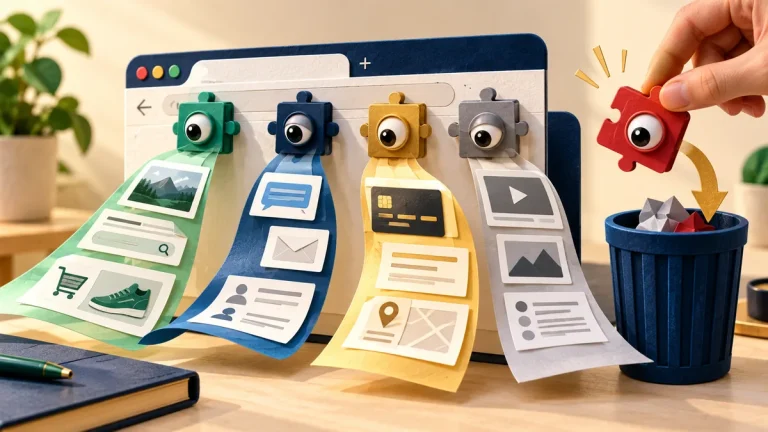
What a browser extension can see, and which ones to remove
An extension’s permissions determine what it can observe or change. Keep the extensions you need, understand their access, and remove those that no longer have a clear purpose.
Read the visual guide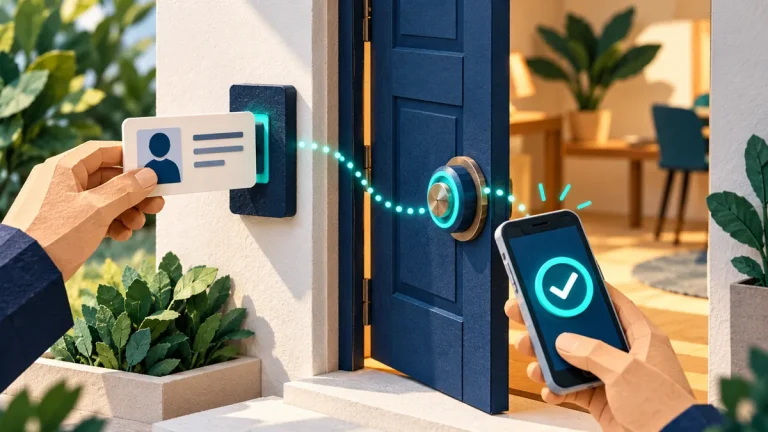
What multi-factor authentication is, in plain language
Multi-factor authentication combines different kinds of proof. Choose an appropriate method, protect recovery routes, and learn how to handle a request you did not initiate.
Read the visual guide
What to do if someone is using your identity
Identity misuse can involve different services and different remedies. Record what you know, secure affected accounts, and contact the organizations handling the actual misuse.
Read the visual guide
What to do when you think an account has been taken over
Regaining the password is only the start of account recovery. Check active sessions, recovery details, mailbox rules, connected applications, and the device used to sign in.
Read the visual guide